O in short: t a transactions file to easy to access or archive format? Convert QFX/OFX/QBO/QIF to CSV/Excel/PDF and import into Excel QB Online Xero YNAB. Review transactions in a readable view beforversatile
|
 Categories Categories |
|
|
|
|
|
Bank2CSV 3.0.8.2 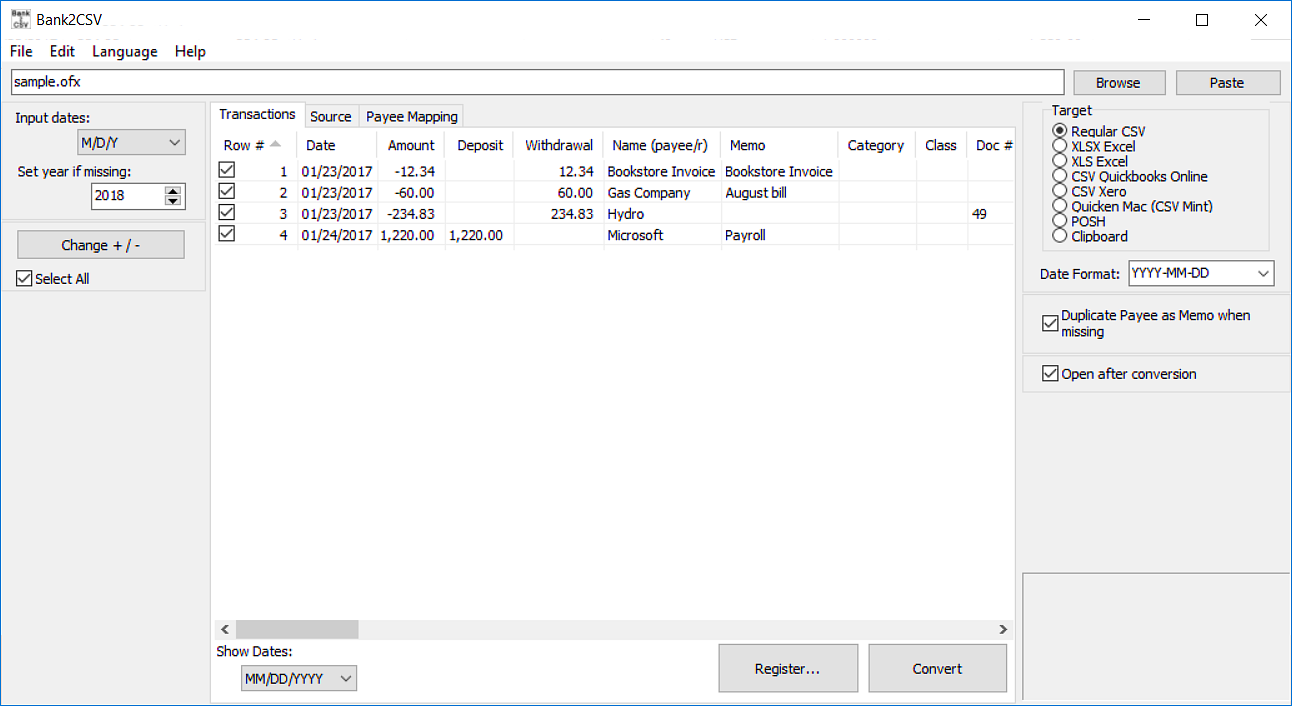
Click to enlargeDescription:Finally the solution to convert your transaction files into a readable format ready to archive or print. Convert QFX/OFX/QBO/QIF to CSV/Excel/PDF and import into Excel, QB Online, Xero, YNAB. Review transactions in a readable view before converting. Free trial (up to 10 transactions per file converted) is available. Support is available before and after purchase. Knowledge base with the solutions for similar conversions. Question and Answers page to ask questions and get help with developers and other users. Buy with confidence: money back guarantee is provided for 14 days. Save time and avoid data entry and manual errors.
 | Price $ 69.99 /

Purchase Bank2CSV
Get it Now(to see additional options, click Buy Now) Type: Shareware File size: 3308 Kb Date: 01/27/2018 HomepageInstall support: Install and Uninstall OS: Win2000, WinXP, Win7 x32, Win7 x64, Windows 8, Windows 10, WinServer, WinOther, WinVista, WinVista x64 System requirements: Microsoft Windows 10/8.1/8/7/2012/2008/2003/Vista/2000/XP Language: English, French, German, Italian, Polish, Portuguese, Russian, Spanish, Ukrainian Recent changes in this Major Update:maintenance release | |
|





