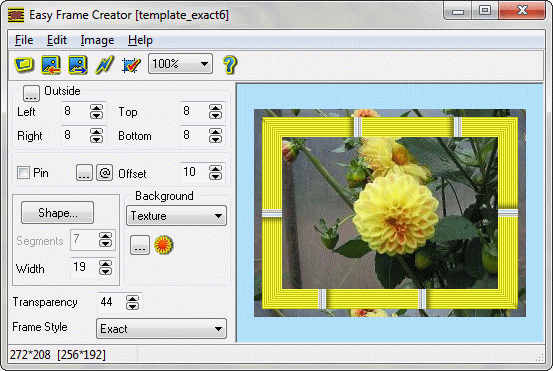
Click to enlargeDescription:Easy Frame Creator is intended for quick and easy creation of framed images or single frames, unique collages and abstract pictures for theirs publication on the web.
Program features:
- loads source image from BMP, JPEG (JPG), GIF, PCX, PSD, PNG - files;
- rotates, flips, changes the size of the image, crops rectangular image patch;
- applies effects and corrects the image and texture;
- creates frame images on basis of prepared templates;
- adds new templates to the list;
- deletes templates from the list;
- adds background color, gradient or texture from BMP, JPEG ( JPG ), PSD, PCX, PNG and GIF - files;
- creates rectangular frames with opaque background outside of the source image;
- creates frames of the different forms and styles inside the source image;
- sets shape of inside frame and its parameters ( width and number of linear segments in curved shape of frame );
- sets style of inside frame and edits its parameters;
- allows to fill image area around inside frame by color, gradient or texture with different values of transparency;
- gives possibility to apply several frames and effects to the source image simultaneously;
- adds pin to the image;
- copies created image to clipboard in BMP - format;
- pastes image from clipboard;
- saves created image as GIF, BMP, PNG or JPEG - file;
- sets JPEG compression quality;
- supports internationalization.


 Categories




